
Once you’ve gotten used to the cleanliness and comfort of a smart toilet, one of your biggest concerns might be—what if the power goes out? Will the toilet still flush?
The answer is: Absolutely. Smart toilets are designed with this “power outage emergency” in mind. Below, we’ll explain how to flush smoothly after a power outage.
I. Why can it still flush after a power outage? —Understanding the Smart Toilet’s “Dual-Core System”
You can think of a smart toilet as consisting of two relatively independent systems:
“Smart Brain” (Electronic System): This system is responsible for all the “advanced functions” that require electricity, such as seat heating, warm water washing, warm air drying, automatic deodorization, and sensor-activated lid opening. Once the power is off, this system goes into “dormant” mode.
“Powerful Body” (Mechanical Flushing System): This system is responsible for the most core and essential function—flushing. Essentially, a purely mechanical structure does not rely on electricity.
Therefore, a power outage only affects the “Smart Brain,” while the “Powerful Body” responsible for flushing remains operational. Our task is to locate and activate the backup mechanical flushing system.
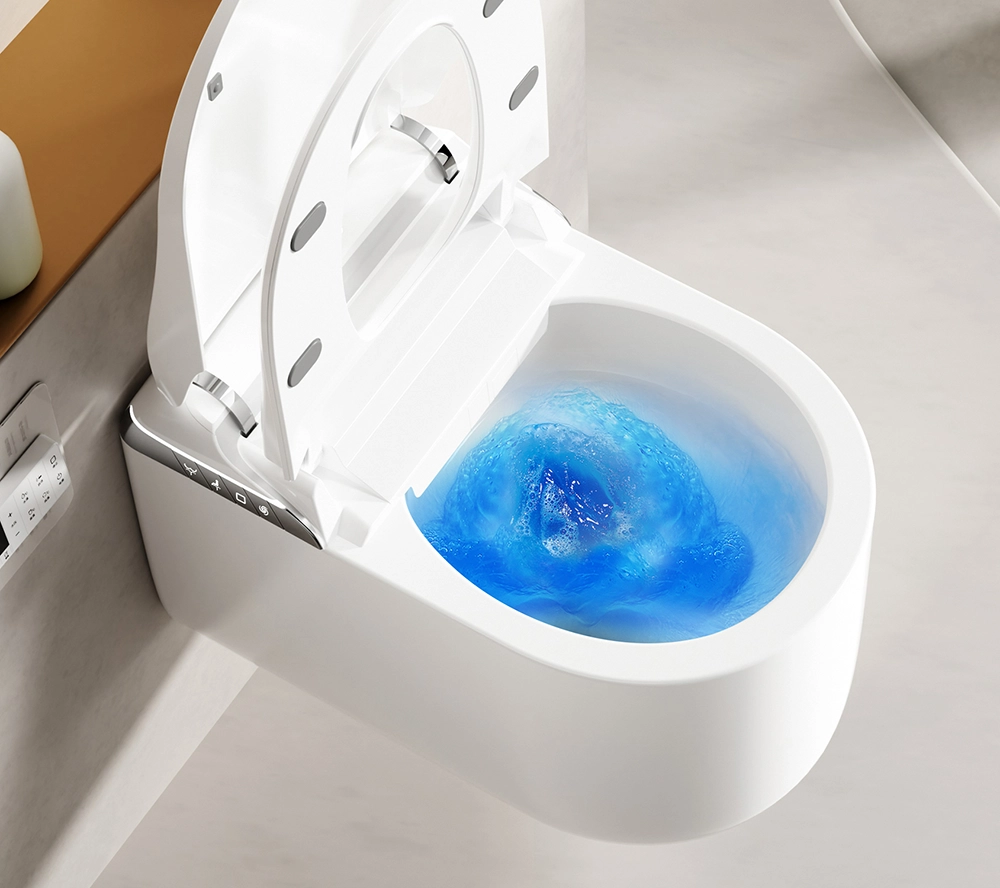
II. Practical Operation: Locating Your Smart Toilet’s “Emergency Switch”
The location of the emergency flushing device varies slightly depending on the brand and model of the smart toilet. Three main common methods exist:
Method 1: The Most Mainstream and Direct [Dedicated Flushing Button]
This is the preferred design for most smart toilets because it is the most intuitive and easiest to find.
It is usually a separate physical button on the toilet body, distinct in style from the surrounding electronic touch panel. It is usually engraved with a water droplet icon for “flushing,” or simply labeled “PUSH” or “Flush.” Simply press this button firmly.
Where is it? Common locations include:
* Top or side of the toilet: Near the junction of the smart seat and the toilet tank (or ceramic body).
* Back or side of the toilet: A small area specifically designed for power outages.
Once located, press it firmly. You’ll hear the familiar flushing sound, and that’s it. It works by directly triggering the internal mechanical flush valve.
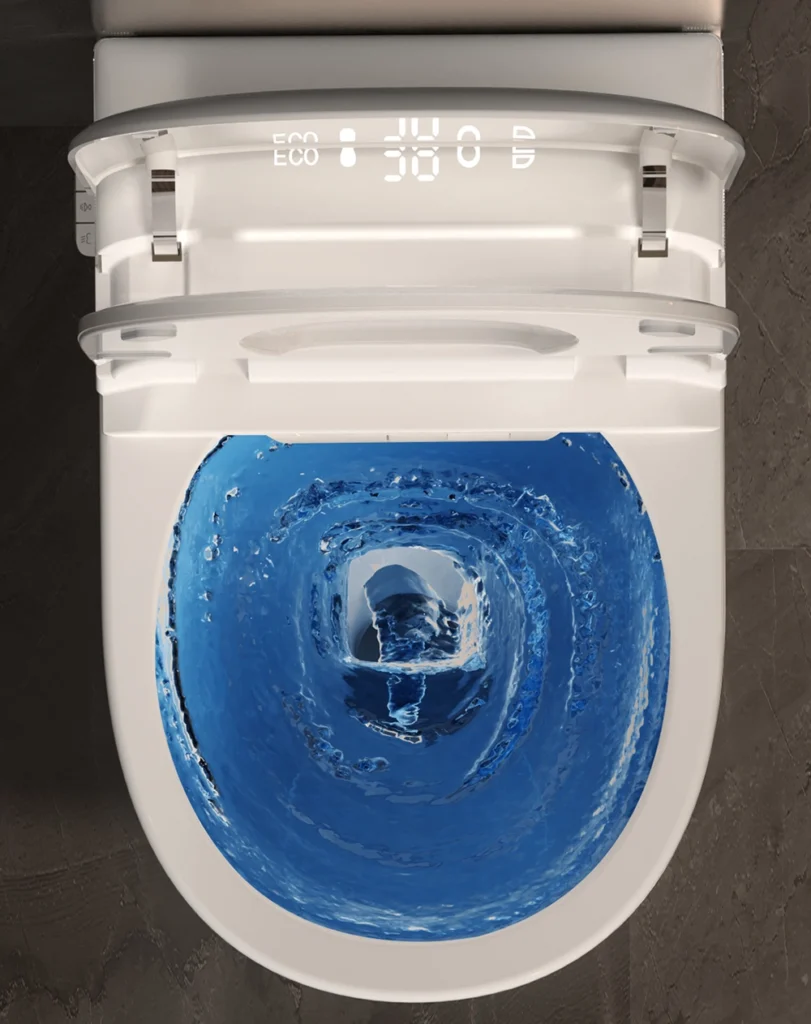
Method 2: The Most Traditional and Reliable [Flush Valve Under the Tank Lid]
Some smart toilets (especially all-in-one models) completely hide the tank for a minimalist look. But in the event of a power outage, this “hidden gate” needs to be activated.
Where is it? Open the toilet tank lid. Yes, although it may appear to be a single piece, there’s usually a cover at the top or back that can be lifted upwards or slid to one side.
How to use it? Locate and open the tank lid, and you’ll see the internal structure of the tank, containing a flush button or a float.
Press the flush button directly, or gently lift the float, and water will flow out to complete the flush.
Method 3: The Most Discreet but Universal [Backup Power Flushing]
This is common in some flagship models. These toilets have a small backup battery inside. When plugged in, it automatically charges; in the event of a power outage, the battery prioritizes the core flushing function.
After a power outage, you might find that the “Flush” button on the toilet’s control panel or remote control remains lit or responsive. Simply press the flush button as usual.
III. Common Questions About Flushing During Power Outages
1. Why is the water flow weak or unresponsive after pressing the button?
This is usually not due to a malfunction in the flushing system, but rather because of:
Water Pressure Issues: If you live in a high-rise building, a power outage may also cause the water pump to stop working, resulting in reduced water pressure throughout the house. A weaker water flow is normal in this case; simply wait a while or flush again after power is restored.
Toilet Tank Refilling: For models with a concealed tank, it takes time for the tank to refill after each flush (usually several tens of seconds to a minute). Pressing the button again during this refilling period will have no effect.
2. Why is the toilet seat so cold after flushing?
That’s right, because the seat heating function stopped after a power outage. This is what we mentioned earlier as the “smart brain” going into hibernation. We suggest you temporarily use a regular toilet seat cover during a power outage.

3. What if all the above methods fail?
If you still can’t flush after trying all methods, first check if your main water valve has been accidentally shut off. If the water valve is normal, then the problem might be with the toilet’s mechanical components, in which case you’ll need to contact customer service. However, this situation is extremely rare.
IV. Product Manager’s Helpful Advice
As a product manager, I have a few final suggestions for you: Before purchasing, be sure to ask: Ask the salesperson or customer service representative: “How do I flush after a power outage? Where is the emergency flush button?” A good product’s salesperson will demonstrate this exceptionally clearly.
Read the instruction manual and “practice” it: After the new toilet is installed, take a few minutes to read the “Emergency Operation” section of the instruction manual and, together with your family, locate the button and conduct a “simulated power outage training.” This is more effective than any after-the-fact guidance.
Routine Maintenance: Although mechanical flushing devices are reliable, to ensure they function properly in emergencies, it is recommended that you regularly clean and maintain the toilet according to the instructions in the manual to prevent limescale buildup in the mechanical parts.




 English
 Português do Brasil
 Español de México
 Deutsch
 Français